

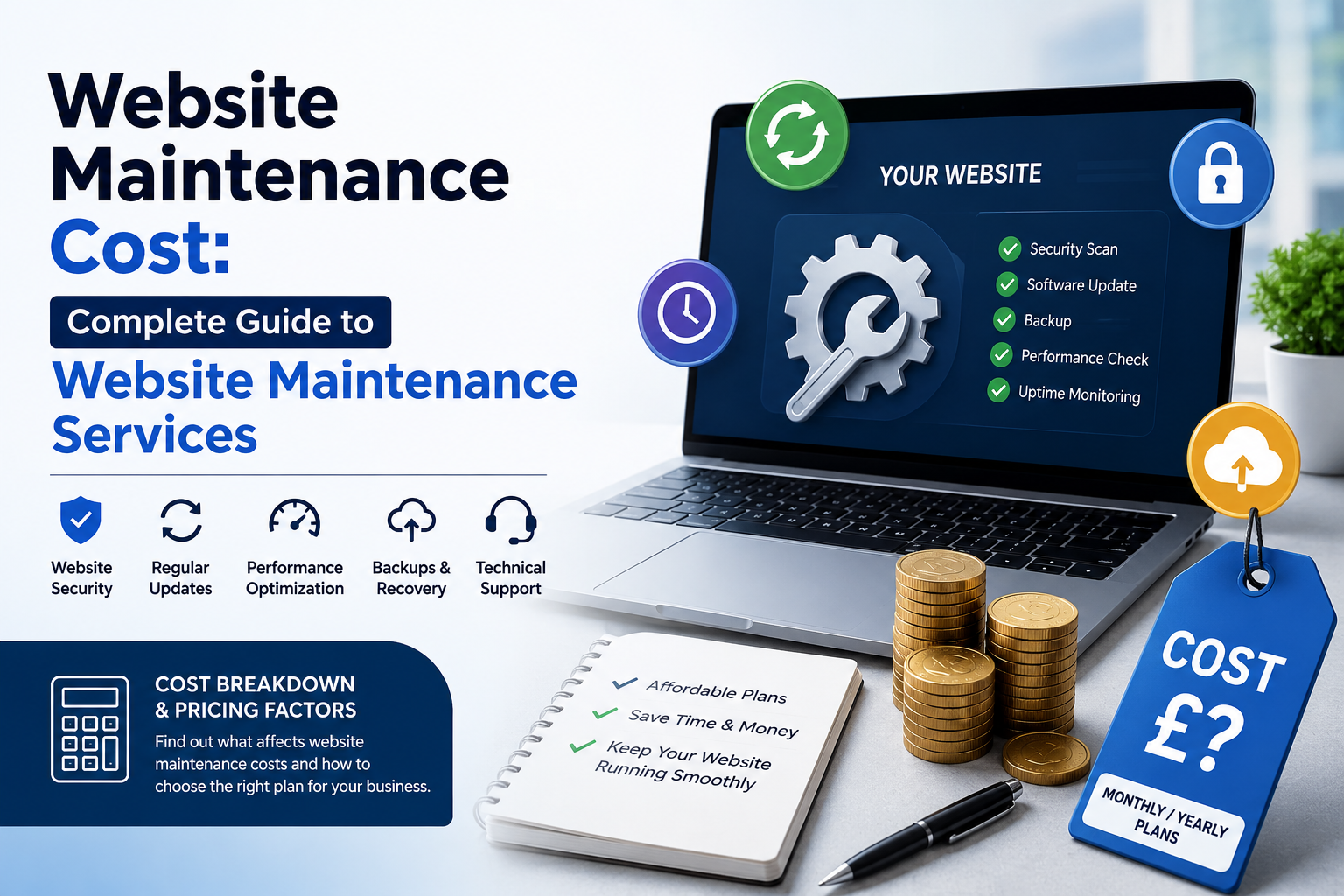
Learn what website maintenance includes, why regular maintenance matters, and how professional website maintenance services from WebCOSS can keep your website secure, fast, updated, and SEO-friendly.
A website is not a one-time project. After your website goes live, it needs regular maintenance to remain secure, fast, functional, and up to date. Understanding website maintenance cost is important for businesses that want to protect their online presence and provide a better experience for visitors.
Whether you operate a business website, WordPress website, WooCommerce store, or custom web application, regular maintenance can help prevent technical problems and keep your website performing properly.
What Is Website Maintenance?
Website maintenance is the ongoing process of managing, updating, monitoring, securing, and improving a website after it has been launched.
Professional website maintenance services can include:
-
WordPress and CMS updates
-
Plugin and theme updates
-
Website security monitoring
-
Malware and vulnerability checks
-
Website backups
-
Broken link checking
-
Website speed optimisation
-
Database optimisation
-
Mobile responsiveness checks
-
Technical SEO maintenance
-
Content updates
-
Image optimisation
-
Bug fixing
-
Form and functionality testing
-
Browser compatibility testing
-
Server and hosting monitoring
The exact maintenance requirements depend on the type, size, technology, and functionality of the website.
Why Is Website Maintenance Important?
Regular website maintenance helps businesses keep their websites reliable and secure.
An outdated website can experience broken features, security vulnerabilities, slow loading times, compatibility problems, and poor user experience.
1. Website Security
Security should be a major part of website maintenance. Outdated software, plugins, themes, and CMS platforms can create potential security vulnerabilities.
Regular updates and security monitoring can help reduce risks and protect important website information.
2. Better Website Performance
Website speed directly affects user experience. Large images, unnecessary plugins, outdated code, database issues, and other technical problems can make a website slower.
Regular maintenance helps identify and resolve performance issues.
3. Improved User Experience
Visitors expect websites to work smoothly on desktops, tablets, and smartphones.
Maintenance helps ensure that menus, buttons, contact forms, booking systems, shopping carts, and other website features continue working correctly.
4. SEO Performance
Website maintenance also plays an important role in SEO.
Technical issues such as broken links, indexing problems, duplicate pages, missing metadata, slow loading speeds, and mobile usability problems can affect search engine performance.
Regular technical maintenance helps keep the website SEO-friendly.
What Does Website Maintenance Include?
A professional website maintenance plan can cover multiple areas of your website.
WordPress Maintenance
For WordPress websites, maintenance may include:
-
WordPress core updates
-
Plugin updates
-
Theme updates
-
Security checks
-
Backup management
-
Database optimisation
-
Performance monitoring
-
Broken link checks
-
Compatibility testing
-
Malware monitoring
Keeping WordPress components updated helps maintain website security and compatibility.
WooCommerce Maintenance
E-commerce websites require additional attention because they often include product pages, payment systems, customer accounts, shopping carts, orders, and checkout functionality.
WooCommerce maintenance can include:
-
Product functionality checks
-
Checkout testing
-
Shopping cart testing
-
Payment gateway testing
-
Plugin compatibility checks
-
Security monitoring
-
Database optimisation
-
Performance improvements
-
Mobile shopping experience checks
Regular maintenance can help ensure that customers can browse products and complete purchases without technical problems.
Website Security Maintenance
Security maintenance may include:
-
Security scans
-
Malware monitoring
-
Software updates
-
Login protection
-
Backup management
-
Vulnerability monitoring
-
Security configuration checks
A secure website helps protect both businesses and their visitors.
Website Backup
Regular backups are an important part of website maintenance.
A backup can provide a recovery option if your website experiences accidental data deletion, technical problems, security incidents, or server-related issues.
Businesses should maintain reliable and regularly updated backups of important website files and databases.
Website Speed Optimisation
Website performance should be monitored regularly.
Maintenance can identify issues such as:
-
Large images
-
Unused files
-
Excessive plugins
-
Database problems
-
Poor caching configuration
-
Unoptimised scripts
-
Server-related performance issues
Improving these areas can help create a faster and smoother browsing experience.
Website Maintenance and SEO
Website maintenance and SEO work closely together.
Search engines need to be able to crawl, understand, and index your website effectively. Technical problems can make this more difficult.
Regular SEO maintenance may include checking:
-
Page titles
-
Meta descriptions
-
Canonical URLs
-
XML sitemaps
-
Robots.txt
-
Internal links
-
Broken links
-
Image alt text
-
Mobile usability
-
Website speed
-
Indexing issues
-
Structured data
-
Redirects
A technically healthy website provides a stronger foundation for ongoing SEO efforts.
How Often Should a Website Be Maintained?
The ideal maintenance frequency depends on the website.
A simple business website may require regular monthly checks, while a busy e-commerce website or web application may require more frequent monitoring.
Websites that frequently publish content, process customer information, receive online bookings, or handle transactions generally require closer monitoring.
A professional maintenance process can include scheduled checks rather than waiting until something breaks.
Signs Your Website Needs Maintenance
Your website may need professional maintenance if you notice:
-
Slow page loading
-
Broken links
-
Website errors
-
Outdated plugins
-
Outdated themes
-
Security warnings
-
Forms not working
-
Mobile display problems
-
Checkout problems
-
Images not loading
-
Poor Core Web Vitals
-
Unexpected website downtime
-
SEO indexing issues
-
Broken layouts after updates
Ignoring these problems can lead to a poor user experience and potentially larger technical issues.
Professional Website Maintenance Services by WebCOSS
WebCOSS provides professional website maintenance services designed to help businesses keep their websites updated, secure, functional, and SEO-friendly.
Our website maintenance approach can cover technical updates, security monitoring, performance optimisation, backups, bug fixing, and ongoing website improvements.
WebCOSS can support different types of websites, including:
-
Business websites
-
WordPress websites
-
WooCommerce websites
-
E-commerce websites
-
Custom-coded websites
-
Dynamic websites
-
Booking websites
-
Service-based websites
The maintenance process can be tailored according to the website's technology, features, business requirements, and ongoing needs.
Why Choose WebCOSS for Website Maintenance?
Choosing a professional website maintenance partner allows businesses to focus on their core activities while technical website tasks are handled systematically.
WebCOSS focuses on:
Reliable Website Support
Regular monitoring and maintenance can help identify technical problems before they become major issues.
Security-Focused Maintenance
Keeping website software and components updated can help reduce security risks.
Performance Optimisation
WebCOSS can identify areas affecting website performance and work on technical improvements.
SEO-Friendly Maintenance
Technical maintenance can support better website health and provide a stronger foundation for SEO.
WordPress and WooCommerce Support
WebCOSS can help businesses maintain WordPress and WooCommerce websites and keep important functionality working properly.
Website Maintenance Checklist
A regular website maintenance checklist can include:
-
Check website availability
-
Test important pages
-
Update CMS
-
Update plugins
-
Update themes
-
Check website security
-
Verify backups
-
Test contact forms
-
Check broken links
-
Review website speed
-
Optimise images
-
Check mobile responsiveness
-
Review technical SEO
-
Check indexing issues
-
Monitor website errors
-
Test important functionality
-
Review analytics and search performance
Following a consistent maintenance routine helps keep your website healthy over time.
Conclusion
Website maintenance is an essential part of managing a successful online presence. A website needs continuous attention after launch to remain secure, fast, functional, mobile-friendly, and SEO-ready.
Whether you have a WordPress website, WooCommerce store, business website, or custom web application, regular maintenance can help prevent technical issues and improve the overall user experience.
If you need professional website maintenance services, WebCOSS can help keep your website updated, secure, optimised, and ready for your customers.
Choose WebCOSS for reliable website maintenance and ongoing technical support.
Tell us about your project
Send the key details and WebCOSS will reply with practical next steps.
Need help planning or improving your digital platform?
WebCOSS can help translate your goals into a practical website, ecommerce, SEO or custom software roadmap.